
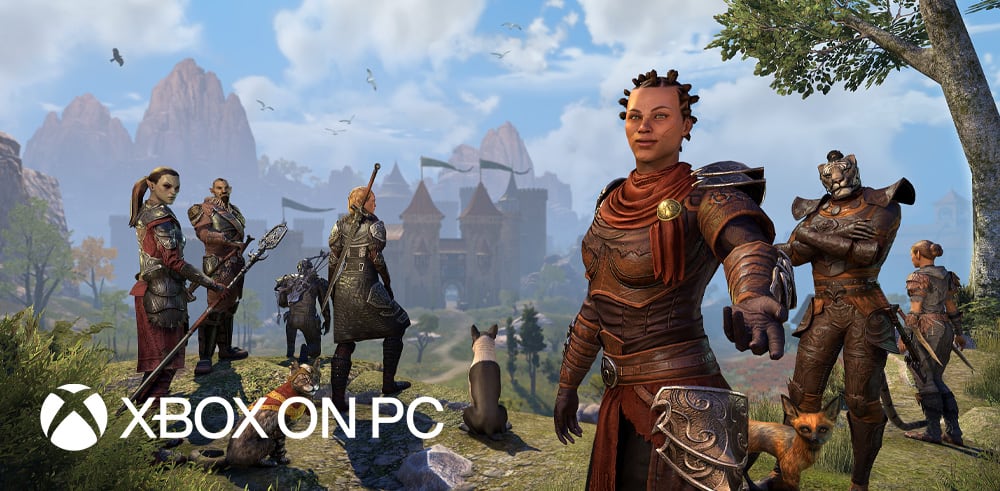
Play ESO with your PC Game Pass subscription and enjoy a new way to explore and adventure in Tamriel.
We are thrilled to share that The Elder Scrolls Online is now officially available and supported on PC Game Pass. Joining a host of other games in the Xbox Play Anywhere library, this version of ESO combines elements from both the PC and Xbox experiences. As such, it allows and supports handheld devices such as the ROG Ally while maintaining support for keyboard and mouse on desktops and laptops.
If you played the game previously, this hybrid version of the game will feel unique from what you might be used to thanks to its UI and mouse interactions, and we will continue to improve and refine the experience over time based on your feedback.
Here’s everything you need to know about ESO on PC Game Pass:
- PC Game Pass subscribers can find and download ESO via the Microsoft Store or Xbox PC App.
- If you get ESO via PC Game Pass, the MS Store, or Xbox PC App, you will be playing on the Xbox realms (NA or EU).
- If you already have an Xbox account, you can play any of your existing Xbox ESO characters.
- If you’re playing on the same Xbox account, you will enjoy cross progression.*
- Any Crowns, add-ons, or purchases will need to be made against your Xbox account to have them applied to characters you are playing with on the MS Store, Xbox PC App, or Xbox.
- It will be available for PCs and new handhelds, such as the ROG Xbox Ally, and ROG Xbox Ally X.
- If you don’t have any form of Game Pass, you can still buy ESO and play it on your device or PC from the MS Store or Xbox PC App directly.
- ESO will continue to be available to owners of all tiers of Xbox Game Pass and now PC Only Game Pass.
- ESO is now a part of the Xbox Play Anywhere library.
- If you’ve bought it on the Xbox App with your Xbox Account, it will be accessible to your Xbox account via the app on PC/Xbox.
- Your Xbox characters can be played or progressed from the MS Store, Xbox PC App, and Xbox if you are using the same Xbox account.
- The version of ESO launched from the MS Store or Xbox PC App will be locked in Gamepad UI, with keyboard mouse and gamepad controls.
- You can toggle the control scheme at will.
- Add-on support will allow players to navigate the BNET Mod browser in game only
- Side loading in the PC File Explorer or Using Add-On managers are not permitted.
- Voice Chat is supported.
- The experience is optimized for handheld devices.
Explore Tamriel your way with Xbox cross progression
Play Your Way
With PC Game Pass and Xbox Play Anywhere, you can experience ESO on Xbox, PCs, and handheld devices and truly play your way. Don’t forget, this version of ESO plays on the Xbox realms only (NA or EU), so if you already purchased and played the game on the other platforms (such as Steam, via Elder Scrolls Online Store, or PlayStation Store), you won’t be able to continue with the same account or enjoy Xbox cross progression.
Are you excited to experience a new way to play? Let us know via Bluesky, X (formerly Twitter), Instagram, and Facebook.
*Note that if you login via any other platform, such as Steam, Epic Store, or the official Elder Scrolls Online Store, it will be a different ESO Master account, and you won’t be able to progress/play with those characters you were using for Xbox, MS Store, or Xbox PC App.